
Site Plan Rendering

Course

5+ Hours Premium Video Content Beginner Friendly Resources & Practice Files included Lifetime Access English Audio + English & Spanish Subtitles
Mastering Site Plan Rendering with Adobe Illustrator & Photoshop!

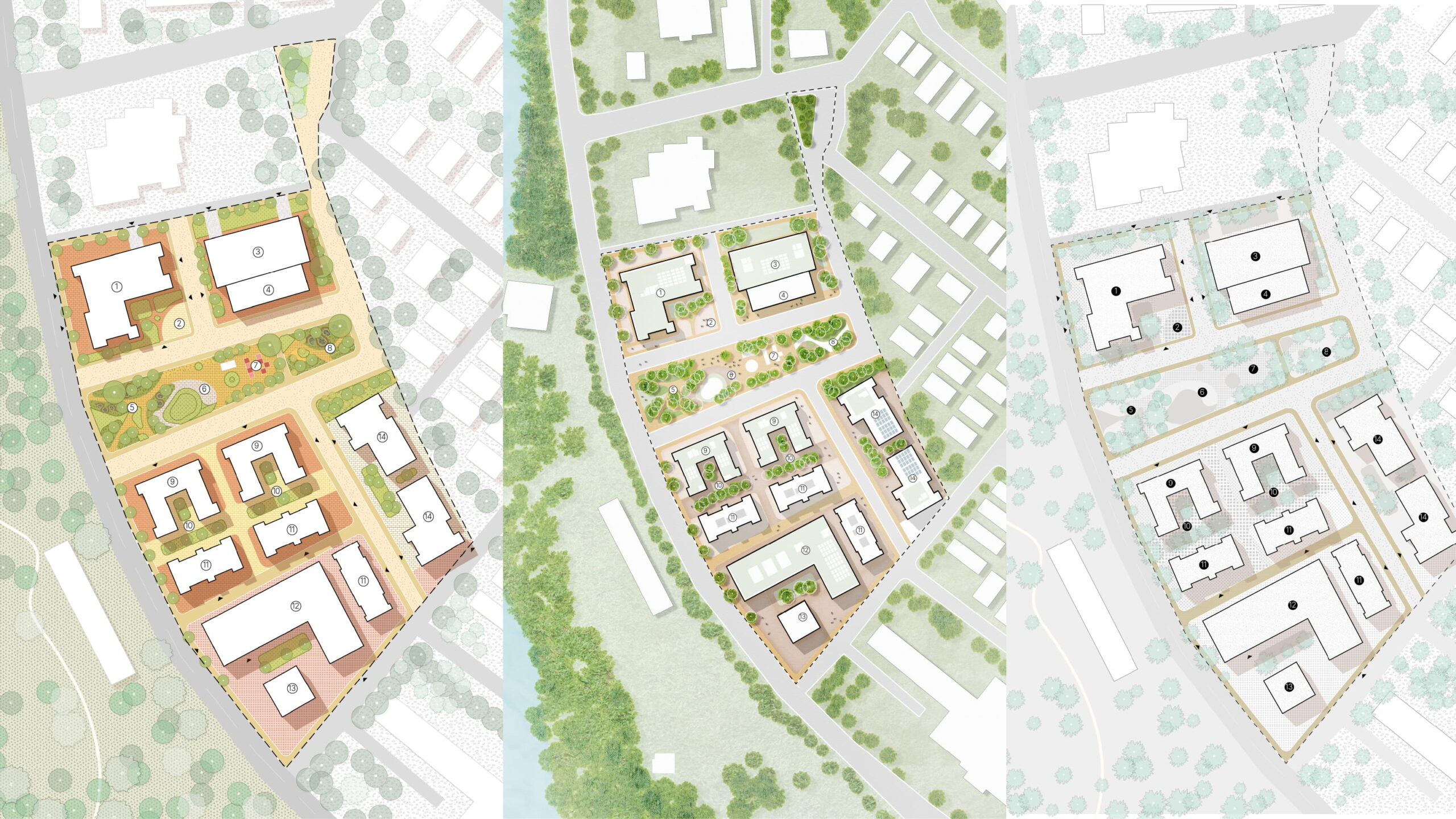
The course offers step-by-step guidance across three distinct rendering workflows, from illustrative colour to refined monochrome to richly textured finishes, ensuring participants can produce professional-quality site plan renderings for any presentation.

Build a Strong Foundation
Advance Your Expertise
Create Powerful Visuals
Topics

Course Overview

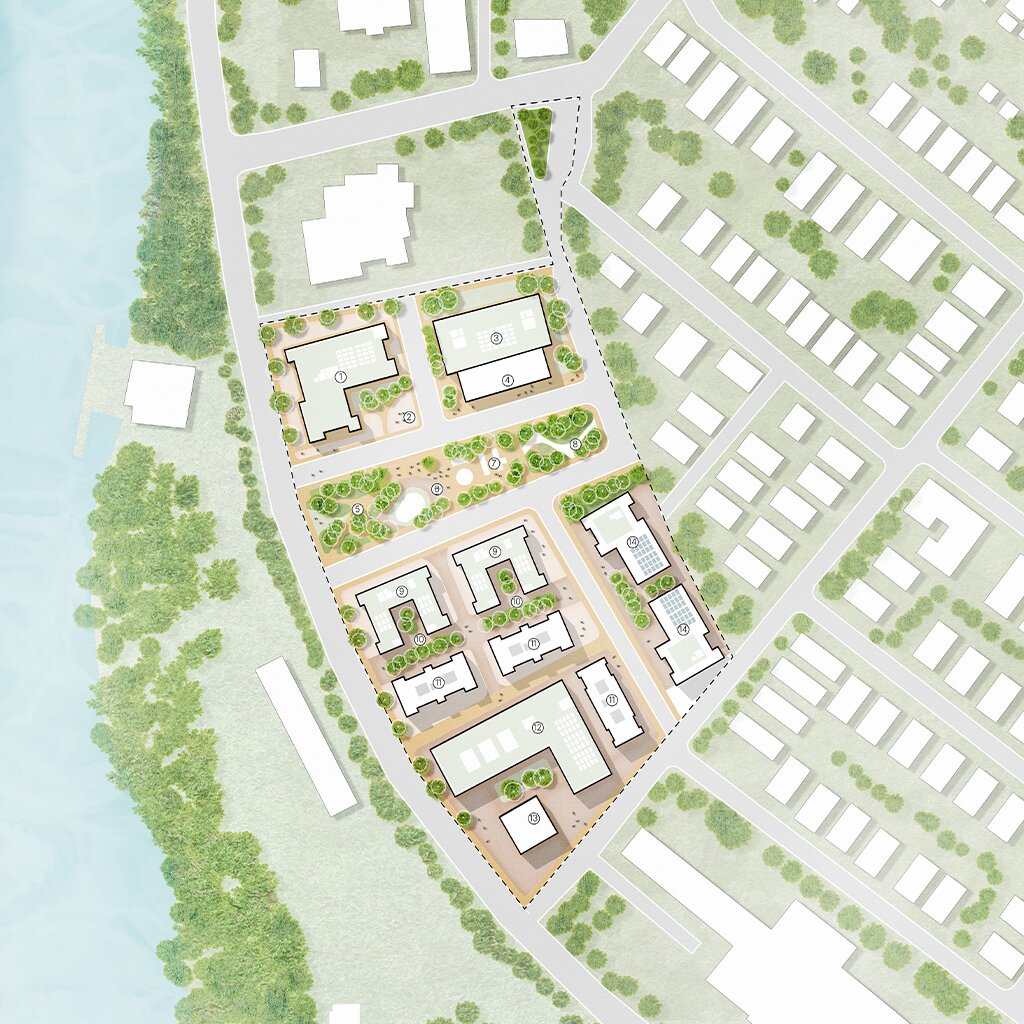
Chapter 1: Illustrative Rendering

  • Building up ground plane colours and material fills
  • Rendering trees, planting, and landscape elements
  • Shadow casting techniques for depth without heaviness
  • Finishing touches: highlights, texture overlays, annotation
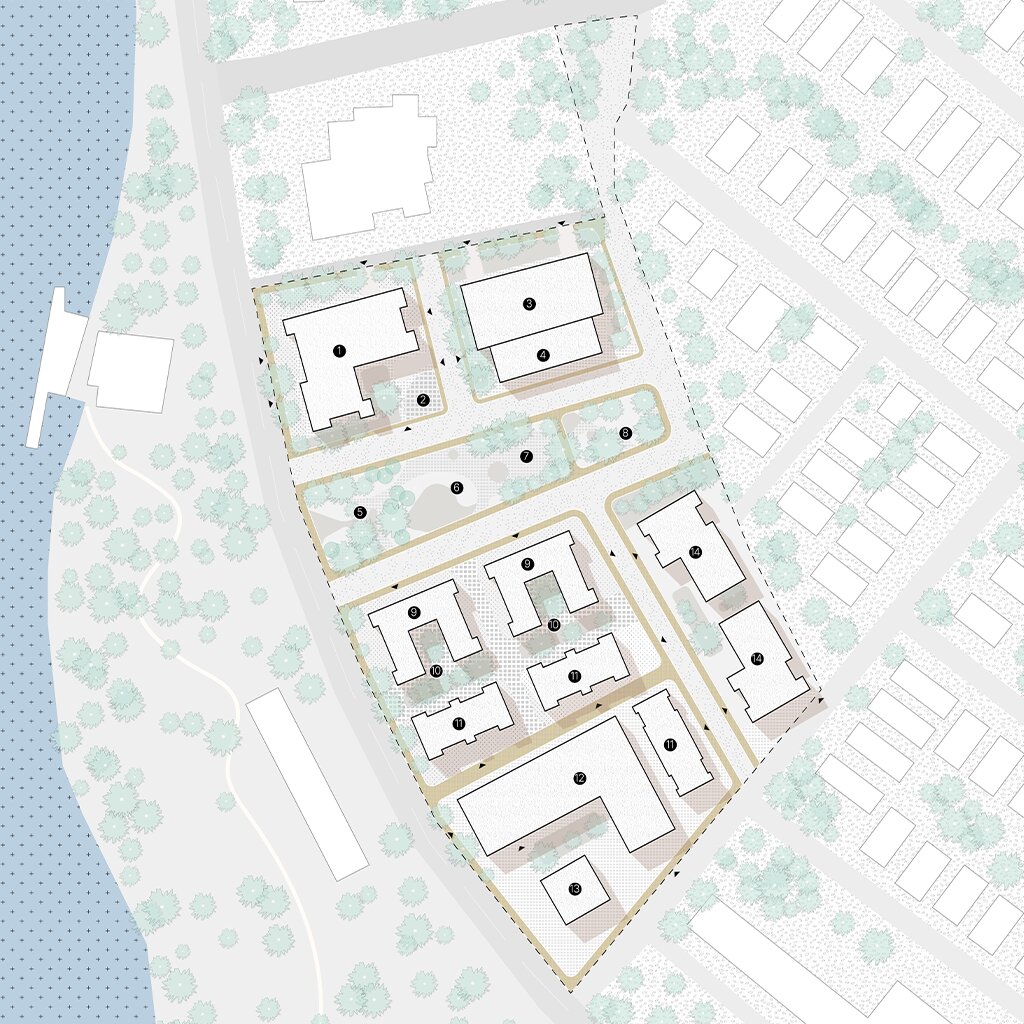
Chapter 2: Black & White Rendering

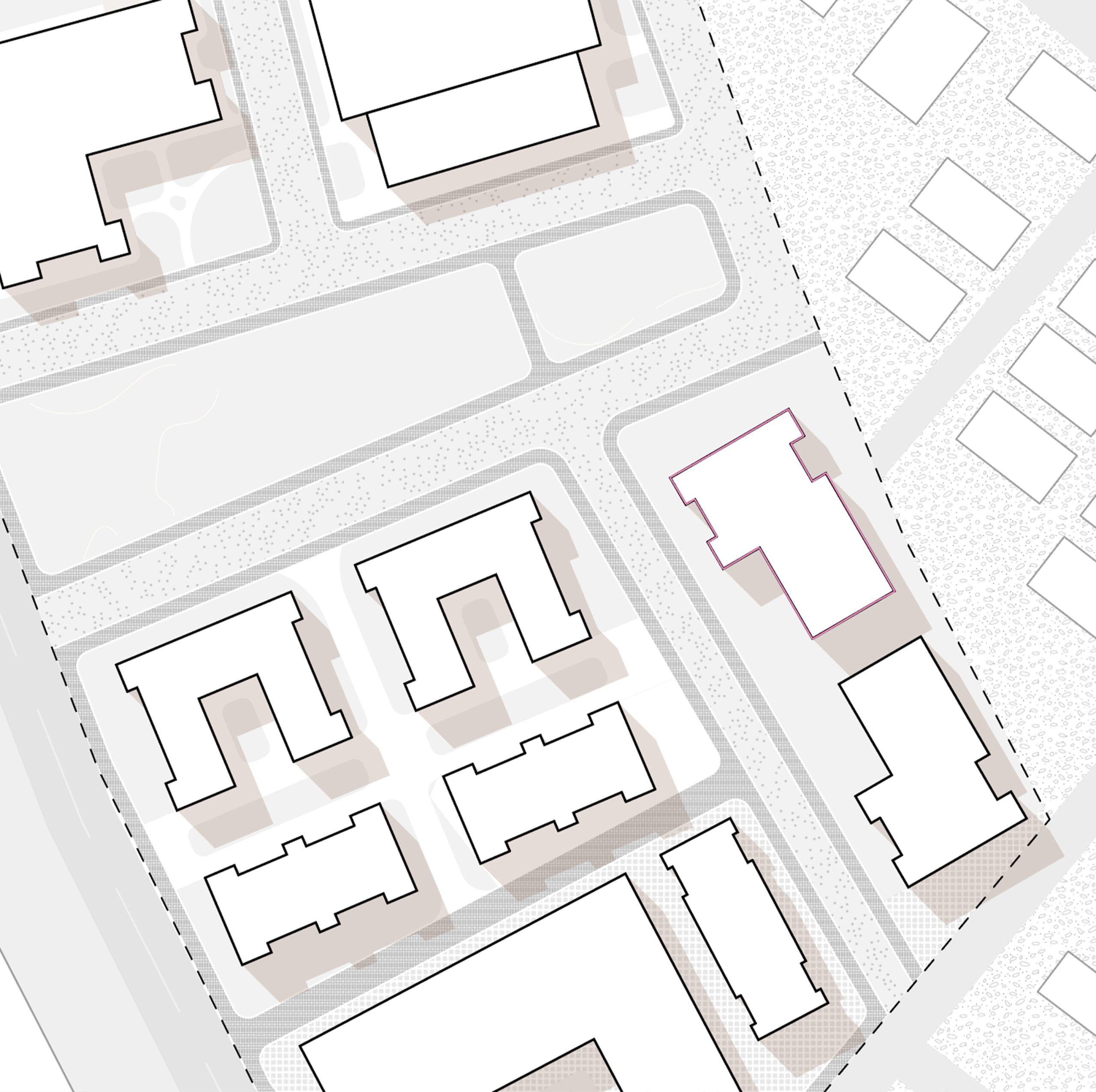
  • Building tonal hierarchy using greyscale fills and hatching
  • Rendering materials and textures in monochrome (paving, planting, water)
  • Using line weight and shadow to carry depth without colour
  • Keeping a black and white plan legible at both large and small scale
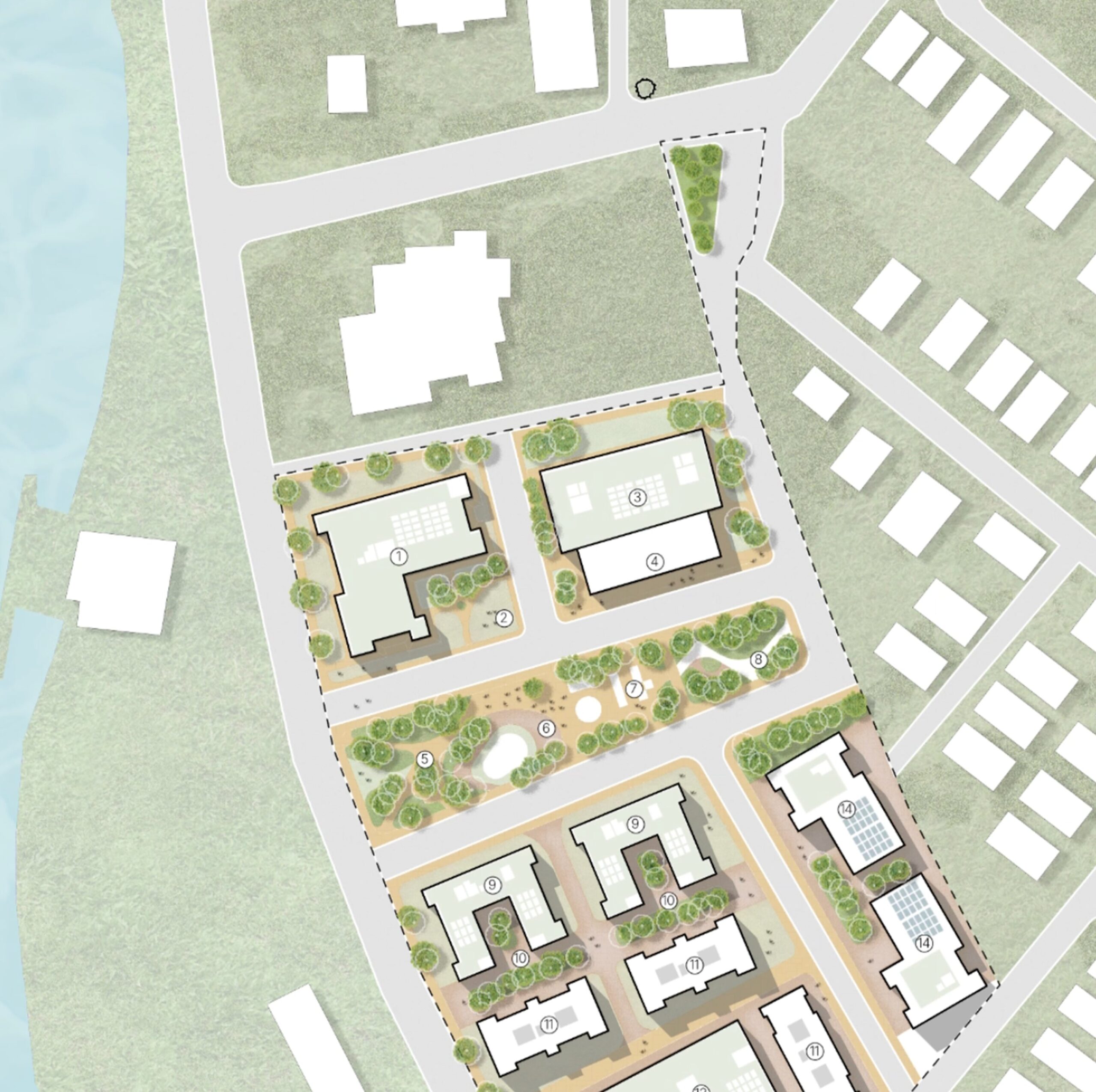
Chapter 3: Textured Rendering

  • Setting up Photoshop workflow for layered files
  • Clipping and blending textures onto the site plan in Photoshop
  • Layering shadows and highlights for realistic material depth
  • Finishing touches: vignette, light effects, final colour balance
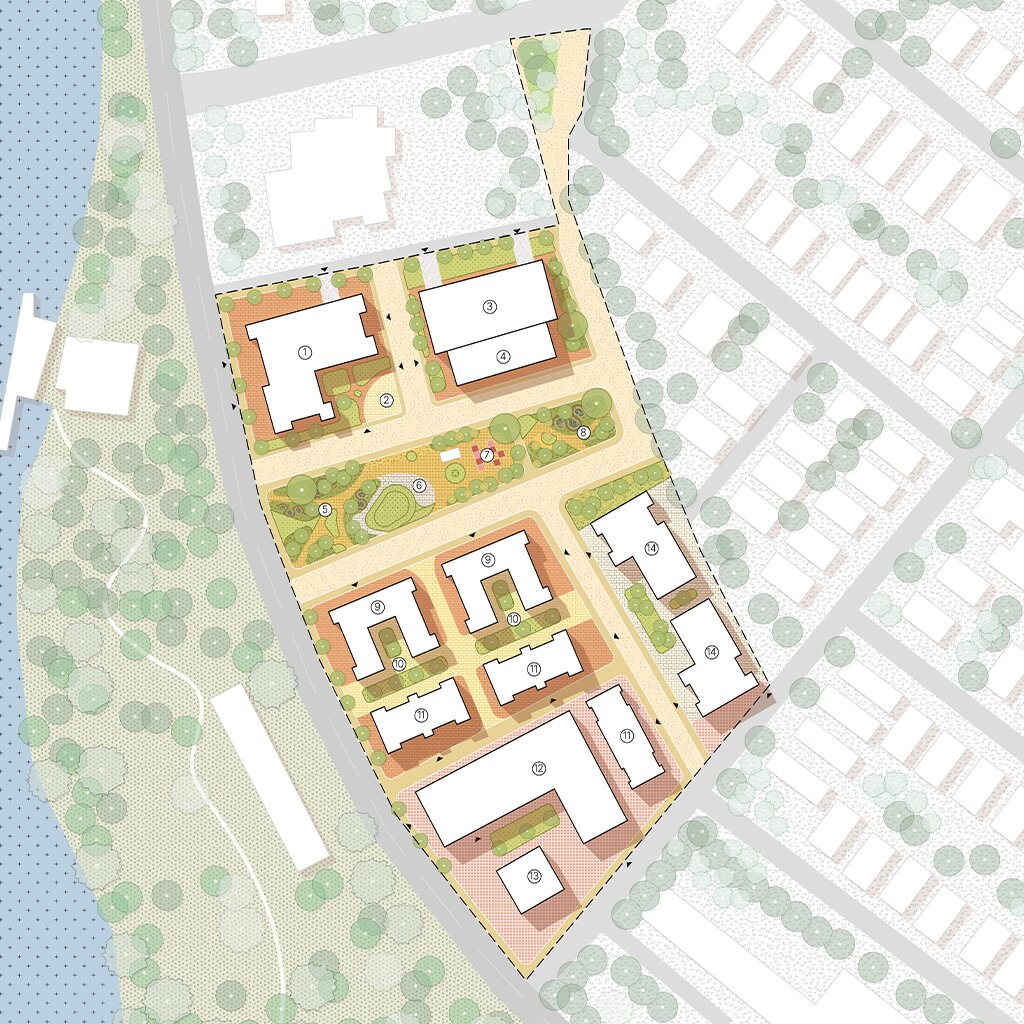
Course Outputs

Final outputs of Masterclass

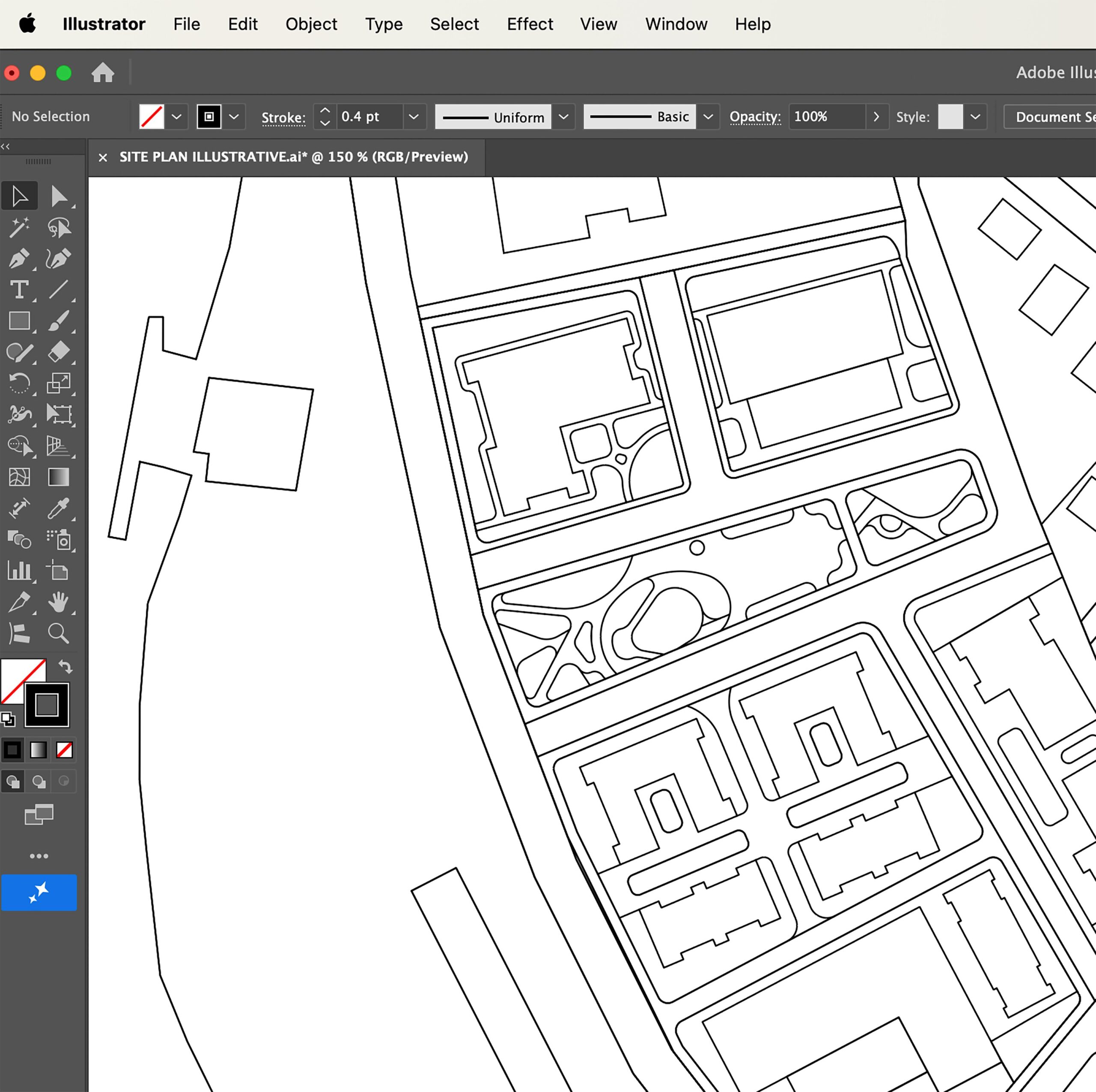
Illustrative Site Plan
Refined Black & White Site Plan
Textured Site Plan Rendering
Support

What you’ll get

Lifetime Access

This course offers unlimited access and allows you to revisit lessons, empowering you to learn effectively even with a busy schedule.

Learn at your own pace

This adaptable course lets you set your own pace and personalize your experience to maximize your learning.

Resources

Gain instant access to a specially curated rendering toolkit, including texture files, hatching patterns, and a resource-packed guide with links to online material libraries.

Learn by Doing

Our course includes practice files for all three workflows, allowing you to experiment with techniques in real time and refine your renderings as you learn.

Efficient Workflow

This course equips you with efficient workflows for crafting high-quality site plan renderings, saving you valuable time across every project stage.

Get recognized for your effort

This course encourages active learning with exercises and feedback. Your efforts are recognized with a participation certificate that can enhance your online presence.

This course is perfect for you, if:

You want to build a versatile toolkit for rendering site plans across different presentation needs. You want to create clear, professional site plans for clients, competitions, or planning submissions. You struggle to choose or execute the right rendering style for a given project. You aim to streamline your workflow across Illustrator and Photoshop.

By the end of this course, you’ll be equipped to:

Render a site plan in three distinct styles: illustrative, black and white, and textured. Choose the right rendering approach based on audience, whether client, planning authority, or competition. Master techniques for colour, tone, and texture that carry across projects.
Combine Illustrator linework with Photoshop textures seamlessly. Build a personal rendering style you can apply consistently across future work. Export polished, presentation-ready files for both print and digital formats.
Additional

Resources

Complete Photoshop Library & Vector Resources Toolkits
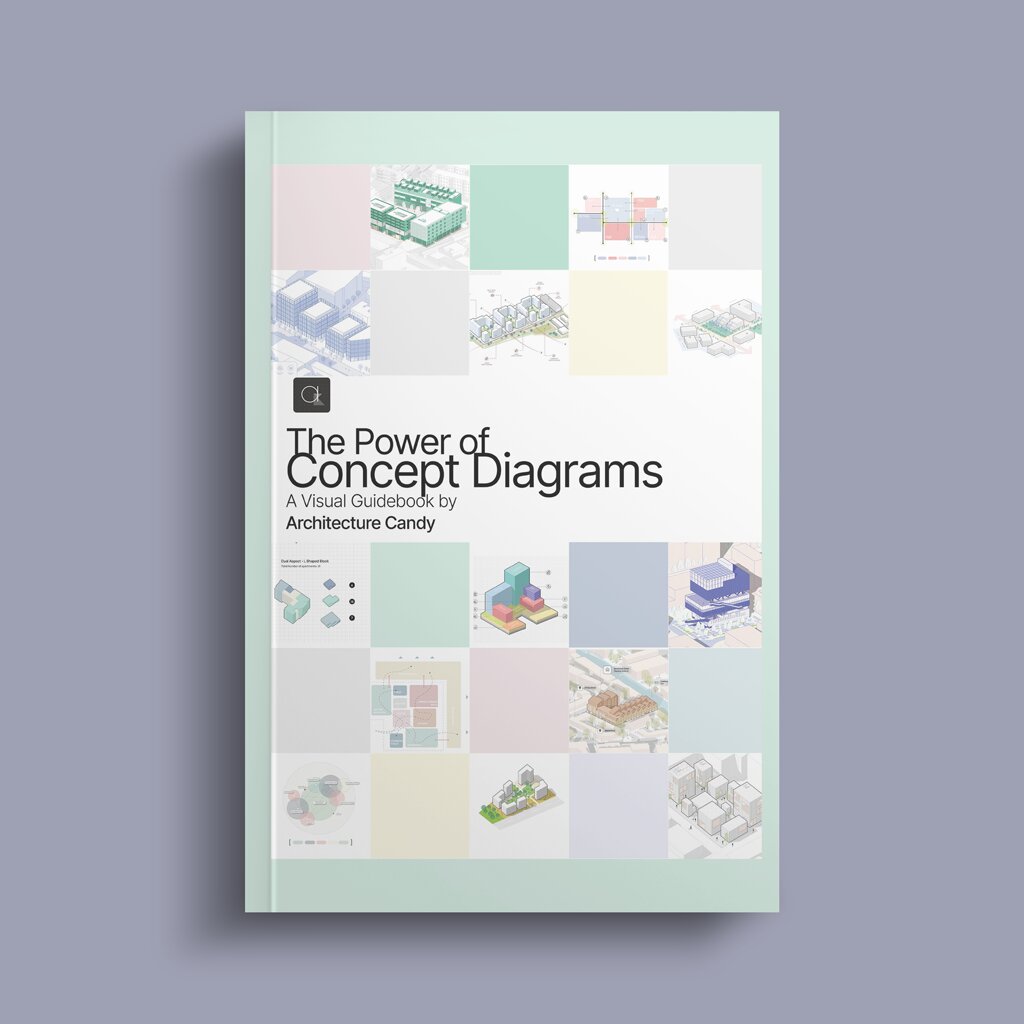
Concept Diagrams E-Book with 100+ Diagrams
Practice Files for all site plan styles

FAQs

What does this course teach?

This course focuses on three distinct site plan rendering workflows using Adobe Illustrator and Photoshop: illustrative, black and white, and textured. We don’t teach site plan creation from scratch, but rather how to effectively render and present a site plan visually.

Do I need prior experience with Illustrator or Photoshop?

Some basic familiarity with both is helpful but not required. We provide introductory guidance for those new to the software, though the course primarily focuses on applying rendering techniques rather than teaching the software from the ground up.

Can I use my own site plans with this course?

Yes, the techniques taught apply to any base site plan. We recommend starting with the practice files provided, then applying the same workflows to your own projects.

Is this course relevant for urban planning or landscape architecture professionals?

Absolutely. The rendering techniques taught are directly applicable to professional presentations in urban planning, landscape architecture, and related fields where site plans are used to communicate with clients and stakeholders.

Will I receive feedback on my work?

Yes, you’ll receive personalized feedback on your assignments and final project, focusing on your application of rendering techniques across the three workflows.

Will I receive a Certificate after I finish the course?

Certainly! Upon completion of the course and submission of your coursework and feedback, you will be issued a Participation Certificate. It can be used to enhance your profile and curriculum vitae (CV).

Any other question?

Sure, email us at architecturecandy.team@gmail.com or feel free to message us on Instagram with more questions at @architecture_candy.